
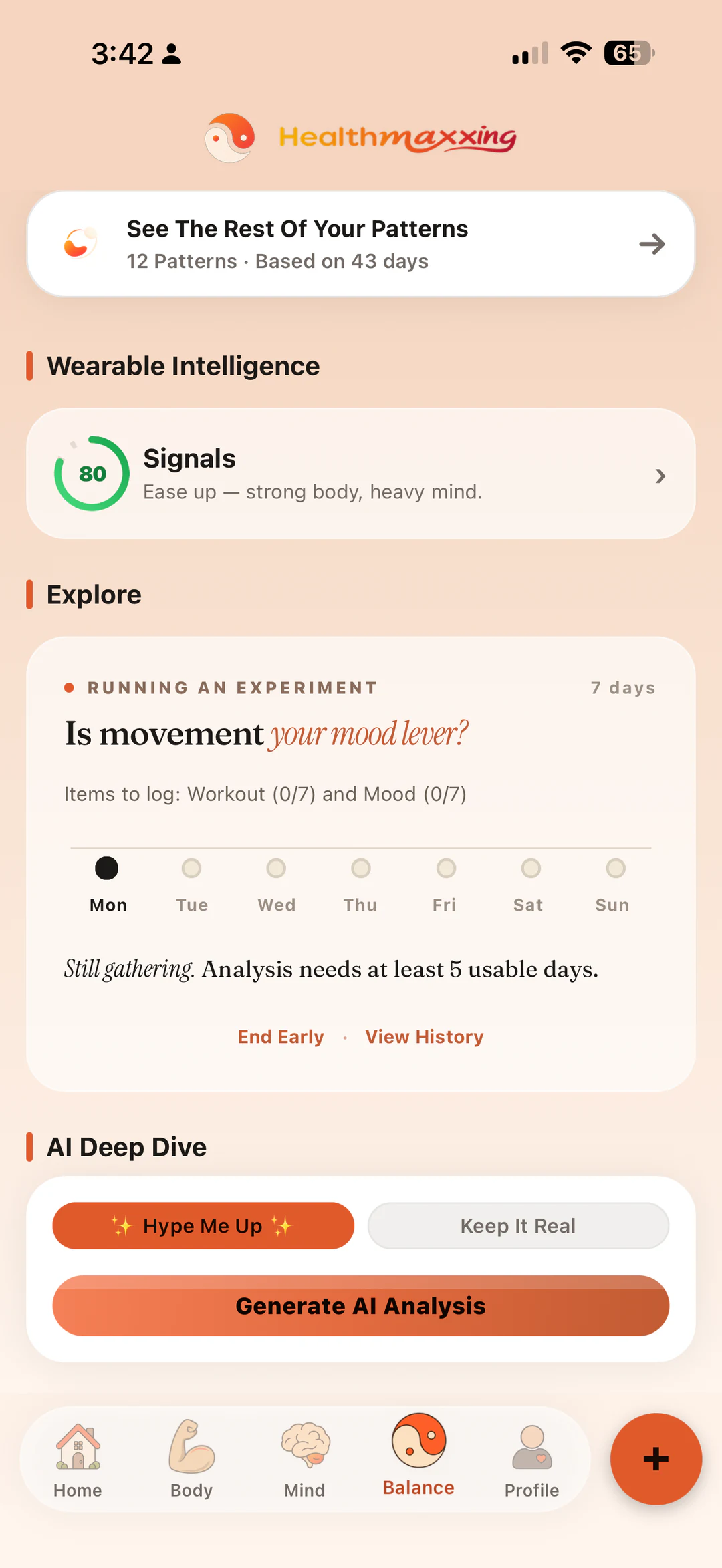
Apple Health already gathers compatible health and fitness data from your iPhone, Apple Watch, and connected apps. HealthMaxxing adds an optional layer of context: the meals, water, mood, reflection, and routines that wearable sensors may not capture on their own.
What Apple Health contributes
Apple explains that the Health app can bring together information from the iPhone, iPad, Apple Watch, and compatible third-party apps. Depending on your devices, apps, and permissions, that may include steps, workouts, sleep, heart-related measurements, weight, and other categories.
HealthMaxxing does not need every category. A useful setup starts with the minimum compatible signals relevant to the questions you care about. Imported data remains subject to device availability, permission choices, gaps in wear time, and the measurement limits of the original source.
What your own logs add
Sensor-friendly signals
Steps, workouts, sleep, and other compatible measurements can reduce repeated manual entry.
Human context
Meals, hydration, mood, energy, journal notes, travel, stress, and schedule changes can explain why two similar days did not feel the same.
The point is not to make a wearable “more medical.” It is to make a personal wellness record easier to interpret at the right level. A device can record that a workout happened; a short note can record that it happened during travel, after poor sleep, or on an unusually stressful day.
Questions worth exploring
- On nights with more recorded sleep, was next-day mood usually different?
- Did days with a walk or workout tend to line up with a calmer evening check-in?
- Was hydration logging more consistent on days with a steadier routine?
- Did a schedule change appear alongside both shorter sleep and lower energy?
These are observational questions. Even a repeated association does not prove cause. Timing, missing data, travel, illness, workload, season, device changes, and many other factors can move two signals together.
Permissions and privacy
Apple Health access is optional. Choose only the categories you want to connect, and review or revoke permissions through the relevant device settings. If you are signed in to HealthMaxxing, supported imported entries may be backed up to your private cloud profile unless you turn off imported-health-data backup under Connected Apps. The Privacy Policy describes the current data handling and deletion choices.
HealthMaxxing does not sell personal information or identifiable health data, and Apple Health or Health Connect data is not sent to analytics or advertising services. Website analytics is separate, opt-in, and does not receive App health data.
What this integration does not do
- It does not diagnose a condition or explain a symptom.
- It does not make every device measurement clinically accurate.
- It does not turn a correlation into evidence that one behavior caused an outcome.
- It does not replace an Apple Health feature, a clinician, or condition-specific monitoring.
Use the right tool for the decision. Personal pattern tracking can support reflection. Medical symptoms, medication changes, and treatment decisions require appropriate professional guidance.
A clean setup
- Connect selectively. Grant only the compatible categories you want to use.
- Add one or two context logs. Mood, energy, meals, or a short reflection can make passive data more meaningful.
- Wait for adequate coverage. HealthMaxxing begins checking after seven logged days; many questions need around 10–14 relevant days or longer.
- Review one relationship. Keep the question narrow and the conclusion modest.